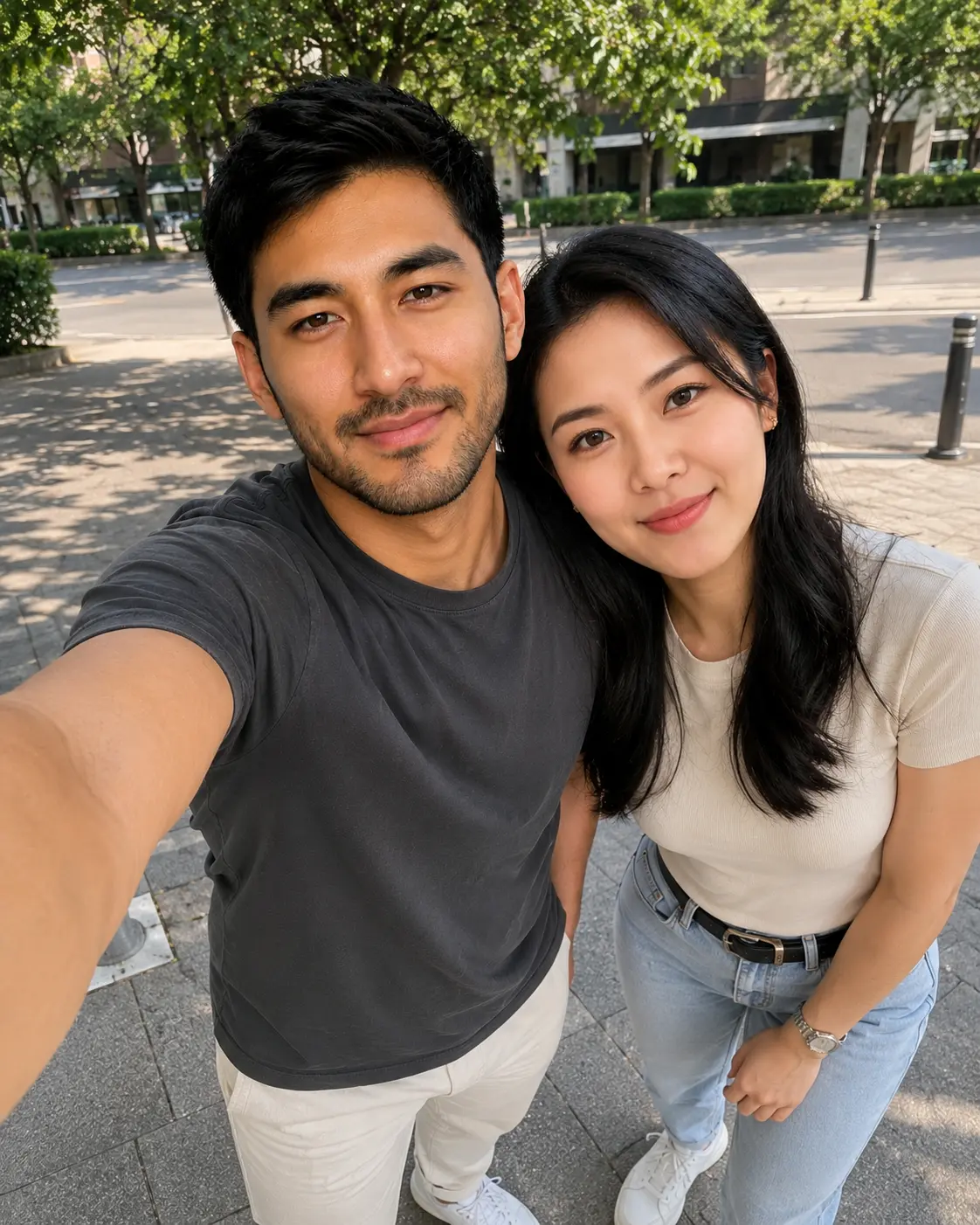
Recreate the uploaded reference photo(s) as a candid duo selfie captured through Mac's Photo Booth app, itself photographed off a laptop screen (a "screen-on-screen" trend look), following this exact staging:

SCENE & COMPOSITE STRUCTURE:
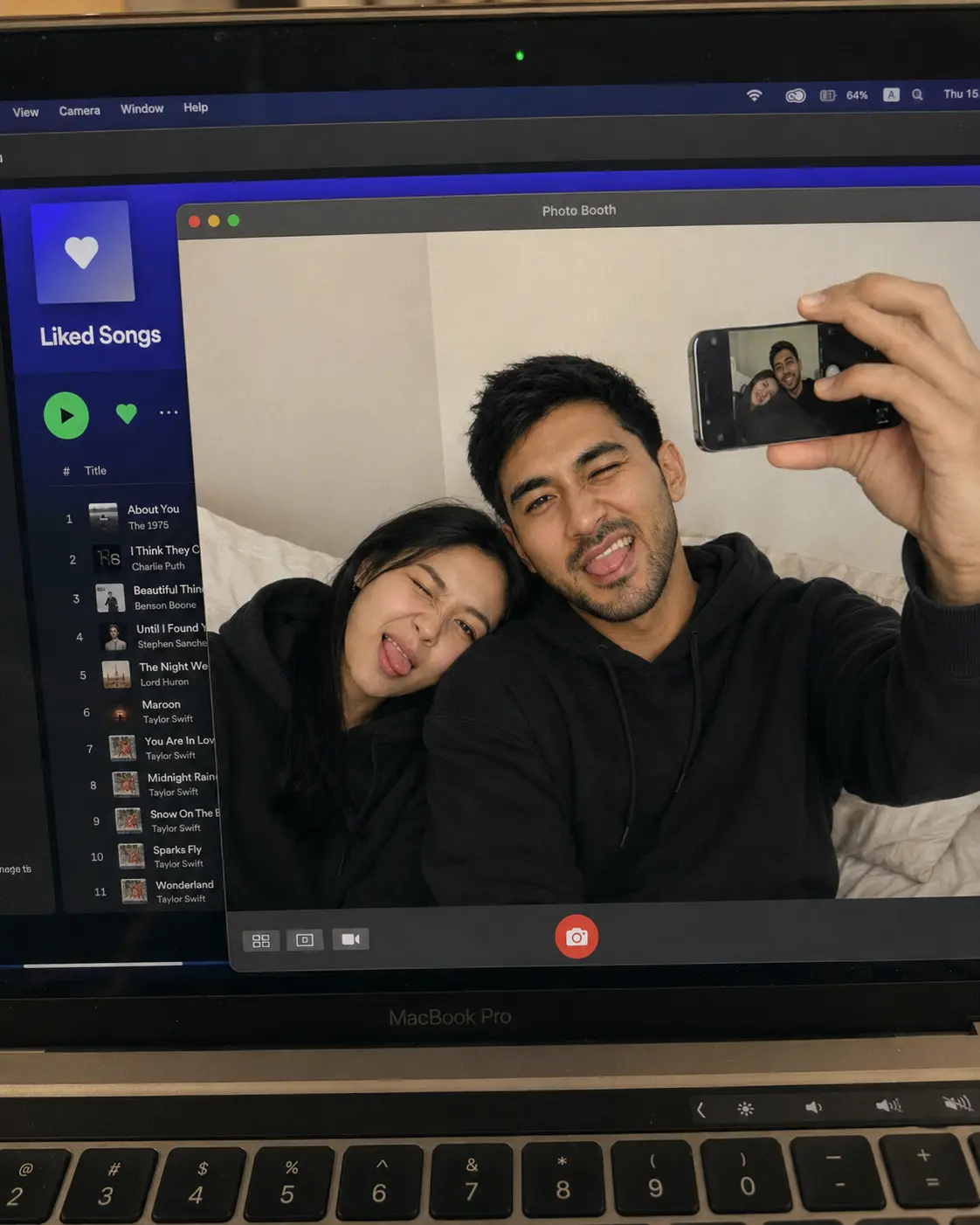
- Camera frames a MacBook Pro screen at a slight downward/side angle, screen bezel and "MacBook Pro" chin logo partially visible at the bottom.
- Behind/beside the main window, Spotify is open showing the "Liked Songs" playlist: purple/blue gradient header, white heart icon in a rounded square thumbnail, "Liked Songs" title, green play button, heart icon, "..." menu, and a vertically scrolling track list with faint illegible song titles/artist names down the left sidebar — kept soft-focus/out of primary focus.
- In the foreground, a macOS "Photo Booth" app window is open (grey title bar with red/yellow/green traffic-light buttons, "Photo Booth" centered in the title bar), filling most of the frame.
- Inside the Photo Booth window: the two subjects are reclining together on a bed with neutral beige/cream bedding and a plain off-white wall behind them. Subject A rests their head against Subject B's shoulder/chest in a relaxed, playful pose. Subject B holds a smartphone raised toward the camera lens with one hand, mid-selfie, arm slightly bent, phone screen faintly showing a mirrored preview of the same pose. Both subjects wear matching oversized black hoodies.
- Expression (both subjects): relaxed and goofy — loose jaw, slightly scrunched nose or half-crossed/squinted eyes, playful silly grin or tongue-out/smirk energy, unposed and candid rather than composed or camera-perfect; natural indoor bedroom lighting (soft window/lamp light, gentle shadows, warm-neutral color balance).
- Along the bottom edge of the Photo Booth window: small toolbar icons (grid/thumbnail-strip icon, photo icon, video icon) on the left, and a red circular capture button centered at the bottom.
- No inset thumbnail or secondary photo anywhere in the frame — the Photo Booth screenshot is the entire image, no other photo overlay.
- Whole image treated as a photograph of a physical glossy screen: visible fine dust specks, faint fingerprint smudges, subtle glare/reflection streaks across the glass, slight lens distortion at the screen edges, natural handheld photo framing (not perfectly aligned/cropped).

TECHNICAL:
- Aspect ratio: 4:5 portrait (or match the exact aspect ratio of the uploaded reference if provided).
- Photorealistic phone-camera look, subtle natural grain, realistic color mix (cool blue-toned Spotify UI glow vs warm indoor Photo Booth skin tones).
- Facial Anchor Lock: face(s) locked to the uploaded reference photo(s) — do not alter bone structure, eye shape, nose, or mouth shape. Only the expression shifts to the relaxed/goofy mood described above.
- Full Anatomy Lock: 5 fingers per hand with natural knuckles, thumb with 2 joints, 1:7 head-to-body ratio, natural shoulder width, arms reaching mid-thigh where visible.
- Seamless Integration: uploaded face(s) must match the new lighting, skin tone, and head angle exactly — no visible seam, cutout edge, or pasted-on look at hairline/jaw/neck.
- If only one reference photo is provided (single subject), keep that subject faithfully anchored and render the second person as a natural, anonymized/non-identifiable companion (soft focus or partially turned away) rather than inventing a specific likeness.
- Gender-neutral styling and posing language throughout — no gendered assumptions beyond what the uploaded reference(s) show.

FIX PROTOCOL: If hands/body render incorrectly, prompt "fix only the hands/body" — never regenerate or alter the face.

NEGATIVE PROMPT (triple closing): no distorted hands, no extra/missing fingers, no melted or duplicated facial features; no mismatched skin tone or visible seam at the face edge, no deformed body proportions, no floating/impossible limb geometry; no plastic/waxy AI skin texture, no uncanny doll-like eyes, no low-resolution or blurry render artifacts.